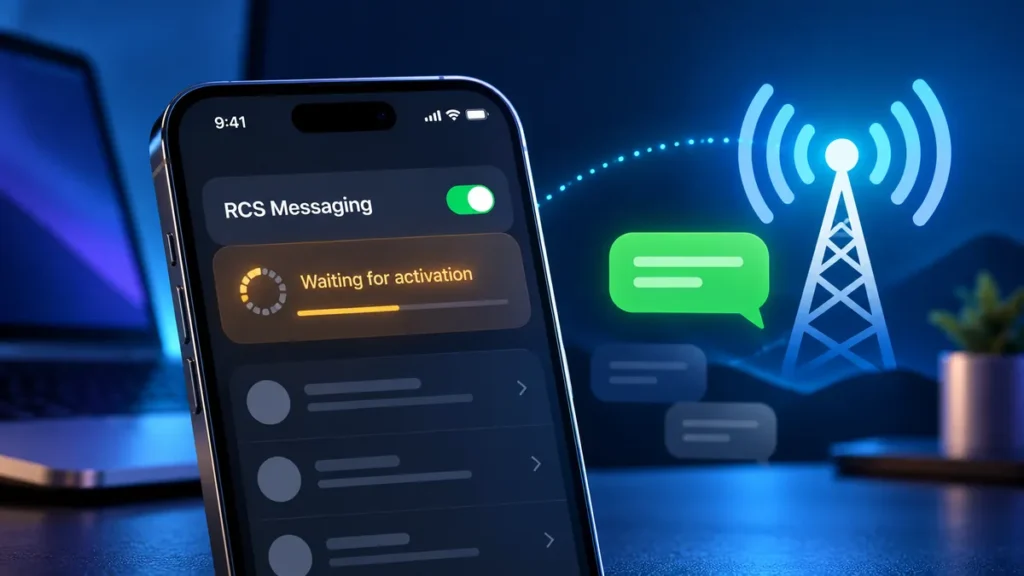
Is your RCS waiting for activation on iPhone, even though the feature is switched on? You may be able to send regular text messages while RCS features, such as typing indicators, read receipts, and high-quality media sharing, remain unavailable.
This usually points to an incomplete RCS setup, a carrier provisioning issue, or a problem with your active mobile line. It does not automatically mean your iPhone or SIM card is damaged.
In this guide, we’ll explain eight practical checks, including what to do when the RCS option is missing, activation takes too long, or messaging works only through SMS.
Table of Contents
Quick Answer: How to Fix RCS Waiting for Activation
If RCS stays on “Waiting for activation”:
- Confirm that your wireless carrier supports RCS on iPhone.
- Allow some time for initial activation.
- Check your internet and cellular connection.
- Turn RCS Messaging off and back on once.
- Restart your iPhone.
- Verify the active SIM or eSIM line.
- Update iOS and check for carrier settings updates.
- Contact your carrier if activation remains incomplete.
Start with carrier compatibility. Changing iPhone settings cannot activate a service your mobile carrier does not provide.
Why Is RCS Waiting for Activation on iPhone?
RCS stands for Rich Communication Services. Unlike iMessage, which is operated by Apple, RCS on iPhone is provided through participating wireless carriers and their messaging partners.
When RCS is enabled, your iPhone must establish the service with the carrier. That process can involve verifying the mobile line and enabling the necessary network features.
Common reasons activation remains pending include:
- Your carrier or mobile plan does not support RCS on iPhone.
- The carrier has not finished activating RCS for your number.
- A newly transferred SIM or eSIM has not been fully provisioned.
- Your cellular or internet connection is temporarily unavailable.
- The iPhone needs updated carrier settings.
- RCS was enabled recently and activation is still processing.
Apple notes that activation may take a few hours. If the status remains unchanged well beyond that, checking with your carrier is more useful than repeatedly resetting your iPhone.
Why Is RCS Messaging Missing From iPhone Settings?
If you cannot find RCS Messaging under Settings → Apps → Messages, first confirm that your wireless carrier supports RCS on iPhone. The option may be unavailable depending on your carrier or region. Regular SMS and iMessage settings may still appear even when RCS is unavailable. Updating or restarting your iPhone cannot enable an unsupported carrier service.
1. Check Whether Your Carrier Supports RCS
Before troubleshooting, confirm that your carrier supports RCS messaging specifically on iPhone.
A carrier can support RCS on Android without necessarily providing the same service on every iPhone plan or network configuration.
To check:
- Visit Apple’s US and Canada carrier feature list.
- Find your wireless carrier.
- Review its supported messaging features.
- Contact the carrier if RCS availability for your particular plan remains unclear.
Major US carriers provide RCS support, but availability can still differ for smaller providers, mobile virtual network operators, and individual plans.
If you don’t see the RCS Messaging option at all, unavailable carrier support may explain why.
2. Give RCS Time to Activate
If you just enabled RCS, installed an eSIM, switched carriers, or transferred your number, allow the initial registration to finish.
Apple acknowledges that RCS activation can take several hours.
During this period:
- Keep your mobile line active.
- Maintain a working cellular or Wi-Fi connection.
- Avoid repeatedly turning the feature on and off.
- Check the activation status again later.
There isn’t one universal activation deadline for every carrier. If the message remains stuck for an unusually long time, ask your provider to check whether RCS is enabled for your account.
3. Check Wi-Fi and Cellular Data
RCS messages can use Wi-Fi or cellular data, but your iPhone also needs an active, supported mobile service.
Test your connection:
- Open Safari.
- Load a website using Wi-Fi.
- Turn Wi-Fi off temporarily.
- Check whether cellular data also works.
- Return to Messages and check the RCS status.
If websites fail to load on cellular data, troubleshoot that problem before continuing.
Our guide to iPhone Cellular Data Not Working explains the relevant connection checks.
You can also temporarily disconnect a VPN to rule out interference, although doing so is not a guaranteed fix for carrier-side activation problems.
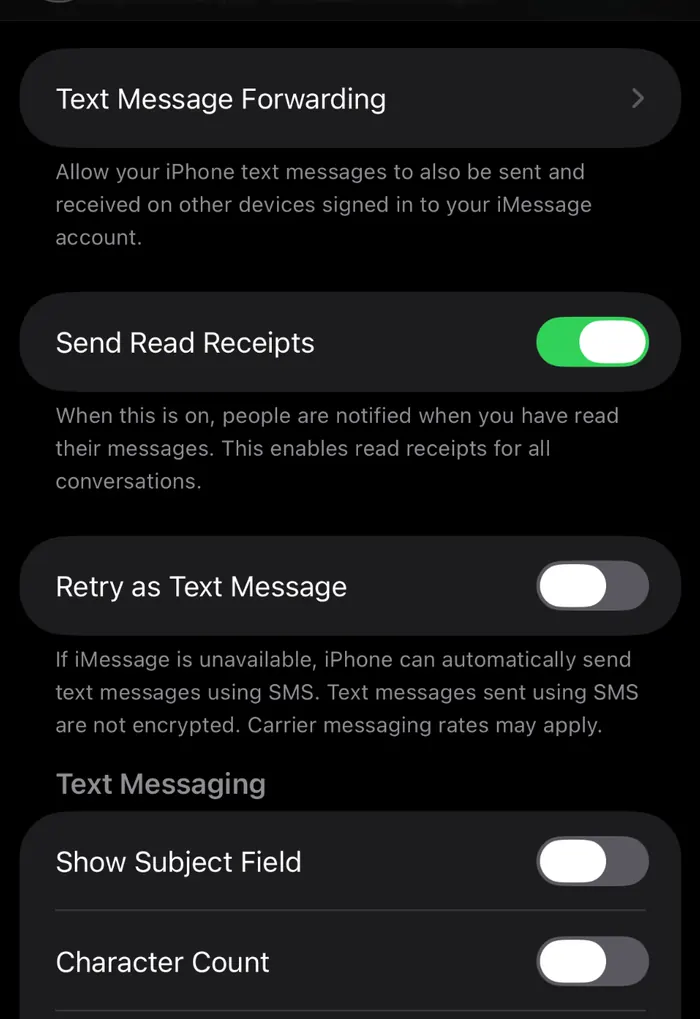
4. Turn RCS Messaging Off and Back On
A simple toggle can be worth trying if your carrier supports RCS and activation has remained stuck.
On iPhone:
- Open Settings.
- Tap Apps → Messages.
- Select RCS Messaging.
- Turn RCS Messaging off.
- Wait briefly.
- Turn it back on.
The exact wording may vary by iOS version.
This is a troubleshooting check, not a guaranteed activation method. Repeating it continuously will not force your carrier to approve registration.
If RCS Messaging does not appear, return to the carrier-support check rather than searching for a hidden switch.
5. Restart Your iPhone
Restarting can clear temporary connectivity or messaging-process problems.
For an iPhone with Face ID:
- Press and hold the Side button and either Volume button.
- Drag the power-off slider.
- Allow the iPhone to shut down.
- Turn it on again using the Side button.
- Reopen Settings → Apps → Messages → RCS Messaging.
After restarting, allow the device time to reconnect to the mobile network.
A restart won’t repair missing carrier support, but it is a reasonable low-risk troubleshooting step.
6. Check Your SIM or eSIM Line
This is particularly important if your iPhone uses Dual SIM, recently switched carriers, or transferred an existing number to eSIM.
Your RCS service is associated with your supported cellular line.
Try the following:
- Open Settings → Cellular or Mobile Service.
- Confirm that the expected line is turned on.
- Check that the line has service.
- Open Messages.
- When starting a conversation, verify that you’re using the intended phone number.
Apple allows users with Dual SIM to select which line sends SMS, MMS, RCS, or iMessage conversations.
If your eSIM isn’t fully activated or your number transfer is incomplete, resolve that issue first.
You can follow our separate guide on iPhone eSIM Not Activating for the relevant troubleshooting steps.
Avoid deleting an eSIM just to fix RCS. Removing it may require carrier assistance to reactivate your mobile service.
7. Update iOS and Carrier Settings
Outdated software or carrier settings can sometimes interfere with messaging features.
Check for an iOS update:
- Open Settings → General → Software Update.
- Install an available compatible update.
- Restart if prompted.
Check for carrier settings updates:
- Connect to Wi-Fi or cellular data.
- Open Settings → General → About.
- Wait briefly for a carrier settings update prompt.
- Install the update if one appears.
Apple explains that carrier settings updates can introduce support for network features and improve connectivity.
For full instructions, see Apple’s carrier settings update guide.
Do not assume that every iOS update or carrier settings update will fix RCS registration. The underlying issue may still be on the carrier’s side.
8. Contact Your Carrier About RCS Activation
If all basic checks pass but RCS still says “Waiting for activation,” the next step is to contact your mobile carrier.
Explain that:
- RCS Messaging is enabled on your iPhone.
- Your SIM or eSIM line is active.
- Internet access works.
- The activation status does not complete.
- You have checked for software and carrier updates.
Ask the provider to confirm that your line is eligible and correctly provisioned for RCS messaging on iPhone.
AT&T’s iPhone support documentation specifically recommends contacting the carrier if the “Waiting for activation” message appears.
Carrier assistance is particularly important after a number transfer, SIM replacement, or account change.
RCS Waiting for Activation vs. iMessage Waiting for Activation
These two messages sound similar, but they refer to different services.
| Feature | RCS | iMessage |
|---|---|---|
| Service provider | Participating mobile carriers | Apple |
| Main purpose | Messaging across supported devices and networks | Messaging between Apple devices |
| Typical bubble color | Green | Blue |
| Activation support | Wireless carrier | Apple and, sometimes, carrier |
| Network requirement | Supported mobile plan plus internet connection | Internet connection |
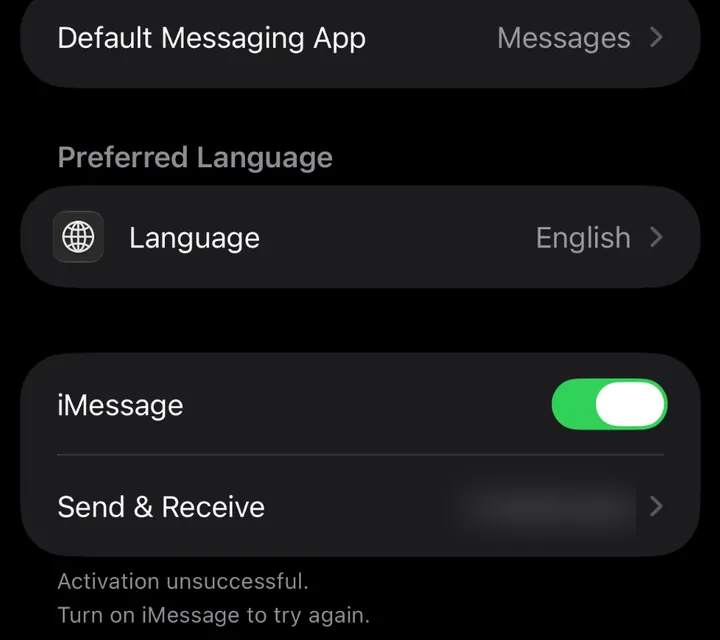
An iMessage activation problem should be investigated separately. Our guide to iMessage Phone Number Spinningcovers that issue.
How to Know Whether RCS Is Working
After activation:
- Open Messages.
- Start a conversation with someone whose device and carrier support RCS.
- Check whether the composer identifies the conversation as RCS.
- Test a normal message.
Depending on the participants and service support, RCS conversations may offer delivery receipts, read receipts, typing indicators, and better media sharing.
Remember that a green message bubble alone does not prove that RCS is active. SMS and MMS also use green bubbles on iPhone.
If the recipient does not support RCS, the conversation may use another available messaging method.
Should You Reset Network Settings?
Not as an initial step.
Resetting network settings can remove saved Wi-Fi networks and related network configurations. It also cannot create carrier support for RCS where that support is unavailable.
If your carrier confirms that RCS is provisioned correctly and identifies a device-side networking problem, a network reset may be considered later.
Avoid erasing your iPhone, deleting an eSIM, or restoring the device solely because RCS registration is pending.
Frequently Asked Questions
Why does my iPhone say RCS Waiting for Activation?
The mobile carrier may still be setting up RCS for your number. It can also occur when carrier support, an active mobile line, or connectivity is unavailable.
How long does RCS activation take on iPhone?
Apple says activation may take a few hours. There is no single guaranteed completion time for every carrier. Contact your provider if activation continues to fail.
Why is the RCS option missing from iPhone settings?
RCS may not be available through your carrier, plan, or region. You also need a compatible iOS version. Apple introduced RCS support beginning with iOS 18.
Can I still send SMS while RCS is not activated?
Usually, yes, provided your mobile plan supports SMS and you have the required cellular service. RCS and SMS are different messaging services.
Does RCS require cellular data?
RCS can send messages using Wi-Fi or cellular data, but it still requires a supported carrier and an eligible mobile plan.
Is RCS end-to-end encrypted on iPhone?
Not in every conversation. End-to-end encrypted RCS is available with supported carriers and software, and support depends on the participants’ carrier capabilities. Do not assume that every green-bubble conversation is encrypted.
Will restarting my iPhone fix RCS activation?
It may resolve a temporary device or connection issue, but it cannot resolve unsupported carrier provisioning or a service that has not been enabled for your line.
Final Thoughts
If RCS is waiting for activation on your iPhone, the most important checks are carrier support, an active SIM or eSIM, and a functioning network connection.
Try the low-risk troubleshooting steps first. If activation still fails after a reasonable period, contact your carrier and ask them to verify RCS provisioning.
You do not need to erase your iPhone or repeatedly reset network settings simply because the feature hasn’t activated.
For the latest setup requirements, refer to Apple’s official RCS Messaging guide.