
Why Is My MacBook Overheating? 9 Easy Fixes That Help
A warm MacBook isn’t always overheating. Learn how to identify excessive heat, find demanding background processes and cool your MacBook safely without unnecessary repairs.
A warm MacBook isn’t always overheating. Learn how to identify excessive heat, find demanding background processes and cool your MacBook safely without unnecessary repairs.

Connect your MacBook to a bigger screen using the right method for your TV. This guide covers AirPlay, HDMI, Google Cast, missing screen mirroring options and audio problems.

A completely unresponsive MacBook and a MacBook with a black screen may have very different problems. Learn how to identify the cause and troubleshoot safely without unnecessarily erasing your files.
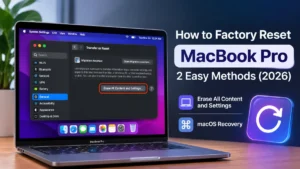
Reset your MacBook Pro safely before selling it or starting fresh. Follow the correct factory-reset method for Apple silicon and Intel models while avoiding unnecessary data loss.
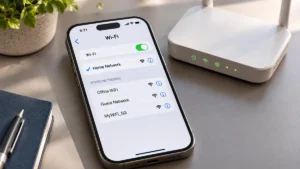
Not sure what your Wi-Fi SSID is? Here are four easy ways to find your current, nearby, and saved network names on an iPhone, including your Personal Hotspot name.

Having trouble pairing hearing aids with your iPhone? Follow these simple steps for Made for iPhone devices, other compatible Bluetooth hearing aids, and common connection problems.
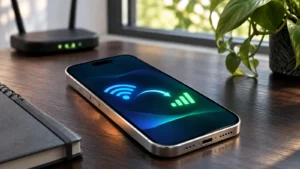
Can’t find Wi-Fi Assist on your iPhone? Apple renamed it Connectivity Assist in iOS 27. Here’s how to find the setting, check data usage, and decide whether to leave it enabled.
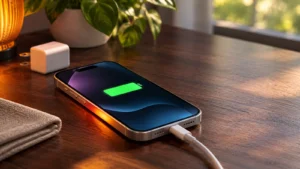
A warm iPhone isn’t always a problem, but excessive charging heat deserves attention. Learn why it happens, what to check, and when to stop charging safely.
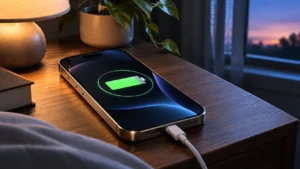
Confused by your iPhone stopping at 80% overnight? Here’s how Optimized Battery Charging works, where to find it, and how it differs from the Charge Limit setting.

Your iPhone has microphones in more than one place. Here’s where to find them, how the positions vary by model, and an easy way to check whether they’re working.