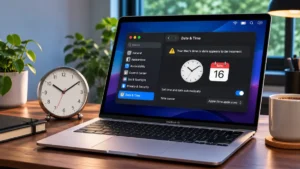
Mac Showing Wrong Time or Date? 9 Easy Fixes (2026)
Is your Mac displaying the wrong date, time, or time zone? Follow nine easy troubleshooting steps to correct your MacBook clock and restore automatic synchronization.
Is your Mac displaying the wrong date, time, or time zone? Follow nine easy troubleshooting steps to correct your MacBook clock and restore automatic synchronization.
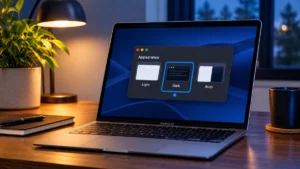
Learn how to enable Dark Mode on your Mac using System Settings, Control Center, or automatic scheduling, with troubleshooting tips for macOS.
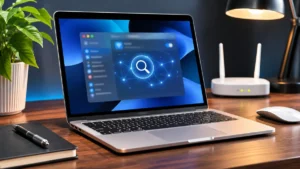
Find your Mac’s local or public IP address in minutes using macOS System Settings, Wi-Fi, Ethernet, Terminal, or your web browser.

Want your MacBook screen saver to start sooner or stay off for longer? Learning how to change screen saver time on […]
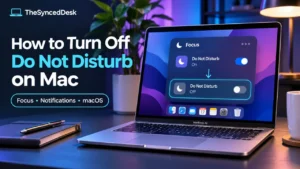
Want to receive notifications again, but your Mac seems to be stuck in Do Not Disturb? Learning how to turn off […]
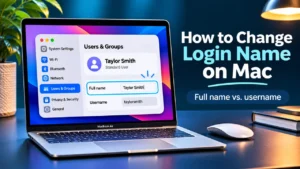
Want to update the name shown when signing in to your MacBook Air, MacBook Pro, or iMac? Learning how to change […]
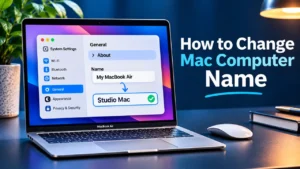
Want to rename your MacBook Air, MacBook Pro, iMac, or Mac mini? Learning how to change Mac computer nametakes less than […]

Is your Mac stuck on white screen when you turn it on? Maybe your MacBook Air shows a completely white display, your […]

If you’re wondering how to change password on Mac, you can usually do it in just a few minutes using System […]
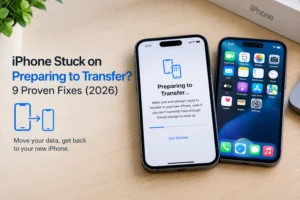
iPhone stuck on Preparing to Transfer while setting up a new device? You may see the same message on your old […]