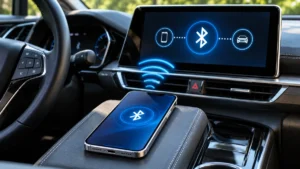
How to Connect iPhone to Car Bluetooth: 7 Easy Steps
Learn how to pair your iPhone with a car’s Bluetooth system, play music, make hands-free calls, reconnect automatically, and fix common connection problems.
Learn how to pair your iPhone with a car’s Bluetooth system, play music, make hands-free calls, reconnect automatically, and fix common connection problems.
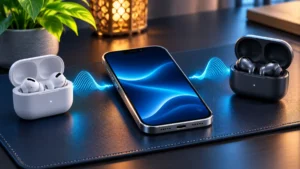
Find out how to connect two Bluetooth headphones to one iPhone, use Share Audio with compatible AirPods or Beats, control separate volumes, and understand third-party headphone limitations.
Learn seven practical ways to turn off the microphone on iPhone, including app permissions, calls, FaceTime, Siri, Dictation, and screen recording.
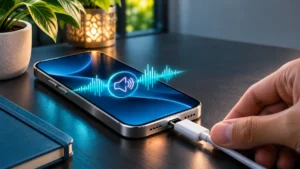
Want a custom iPhone charging sound? Learn how to create a charger automation using Apple’s Shortcuts app, add a spoken phrase or audio file, and troubleshoot sounds that won’t play.
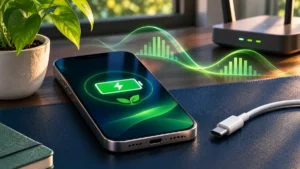
Learn how Apple’s Clean Energy Charging works in the US, where to find its settings on iPhone, how to resume paused charging, and when to disable it.
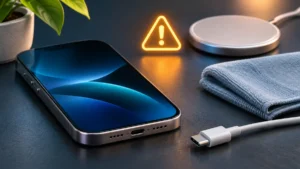
Emergency Override, iPhone Charging, Liquid Detected, USB-C Charging, Lightning Connector, iPhone Water Damage, Charging Safety
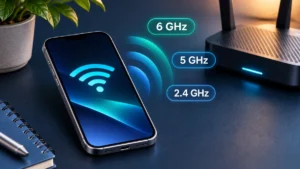
Find out whether your iPhone is connected to 2.4 GHz, 5 GHz, or 6 GHz Wi-Fi using router client details, Apple’s Wi-Fi scanner, and other practical checks.
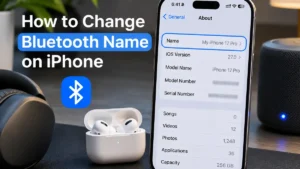
Quick Answer: How to Change Bluetooth Name on iPhone If you’re wondering how to change bluetooth name on iphone, open Settings > […]
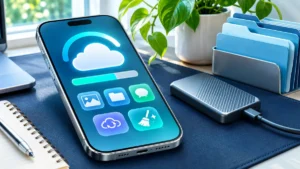
Quick Answer: Can You Add More Storage to an iPhone? If you’re wondering how to add more storage to iphone, you […]
Running out of iCloud storage? Learn nine safe ways to manage old backups, photos, iCloud Drive files, messages, and other cloud data from your iPhone.